New to working with textures? Here’s a Beginning Tutorial to get you started quickly. Plus there are Two Free Downloads to follow along. A Flower photograph and a Fine Art Grunge Texture.



New to working with textures? Here’s a Beginning Tutorial to get you started quickly. Plus there are Two Free Downloads to follow along. A Flower photograph and a Fine Art Grunge Texture.
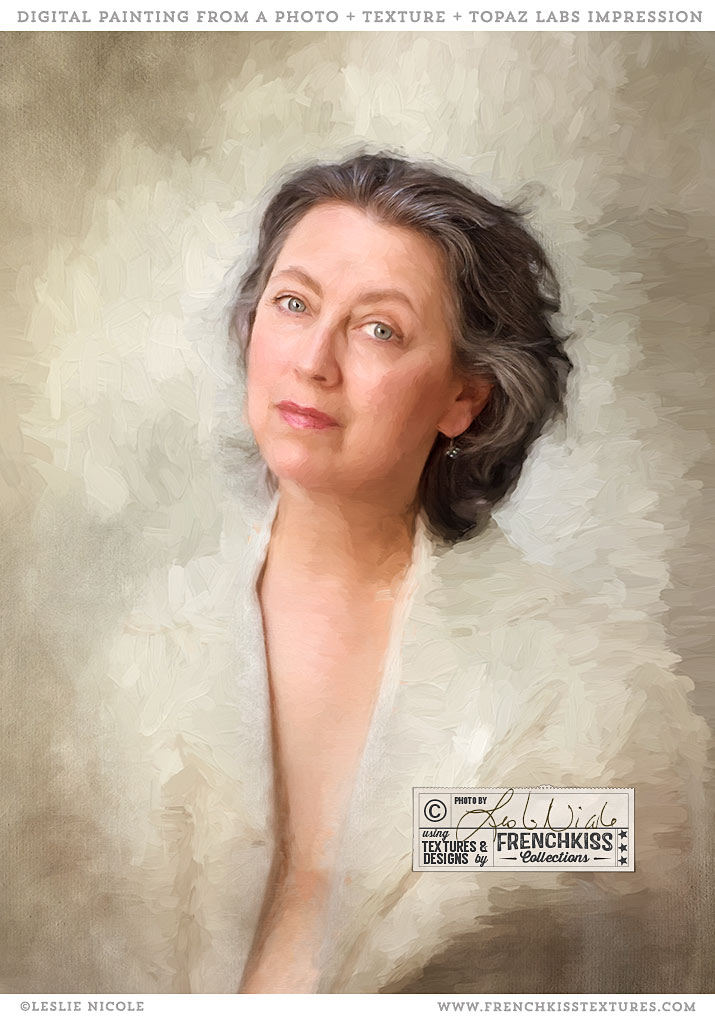
Here is a self-portrait I did with textures added and then finished with the Topaz Labs Impression painterly filter.
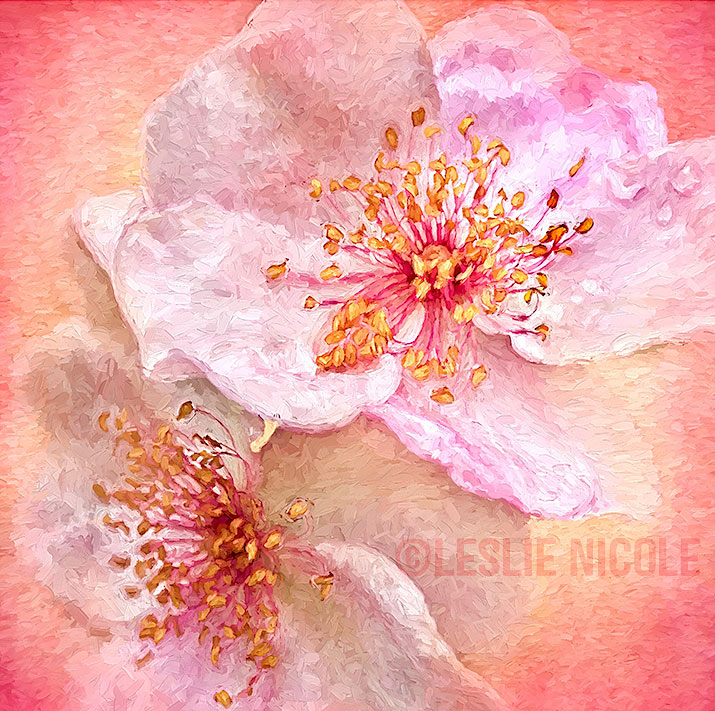
Combining a rose photograph, a texture, and the Topaz Labs Impression Filter to create a digital painting.

I’m really loving the combination of scanned flowers and the *Topaz Labs Impression filter.
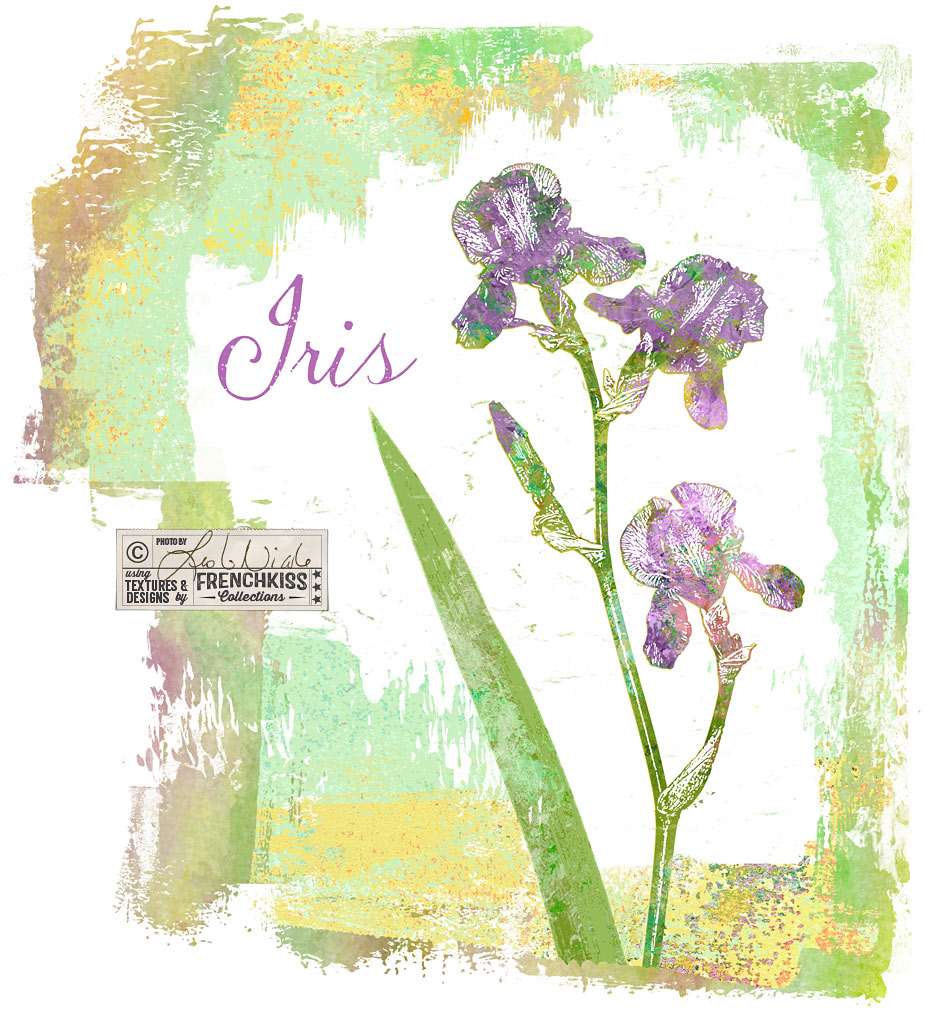
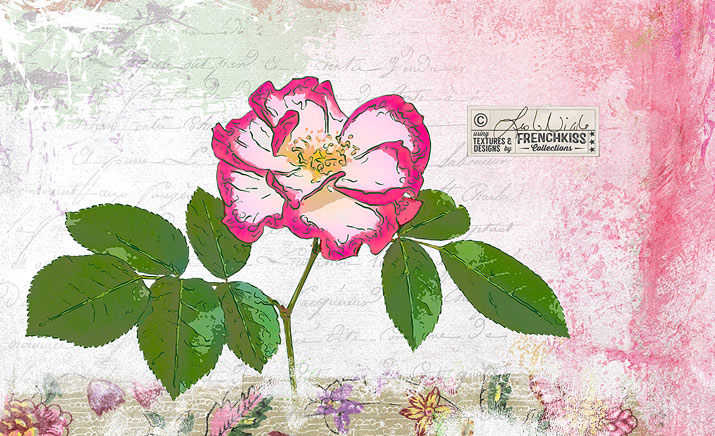
In the last post where I showed you my Photoshop filter exploration on an iris photograph, one of my examples was using the Photoshop / Sketch / Stamp filter. In this post, I want to show you how I used that filter result with a texture to create a design element.
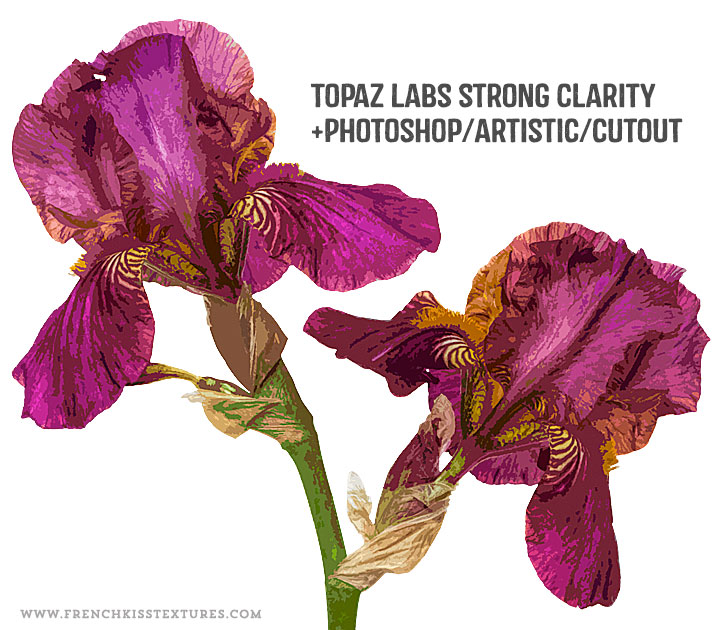
In the last post, I showed you my set up for photographing an iris flower intended for my designs. In this post, I share my creative Photoshop filter explorations.

When photographing a flower to create a motif for your designs or illustrations, you may need to cheat a bit. Check out my set up, pre photography manipulations and Photoshop post processing and edits.
I can’t believe how long it’s been since I’ve posted here! You know how we sometimes go through rough patches in our lives? Well, 2016 was a humdinger for me but 2017 has brought a shift to clarity and energy and boy do I have things to share with you!
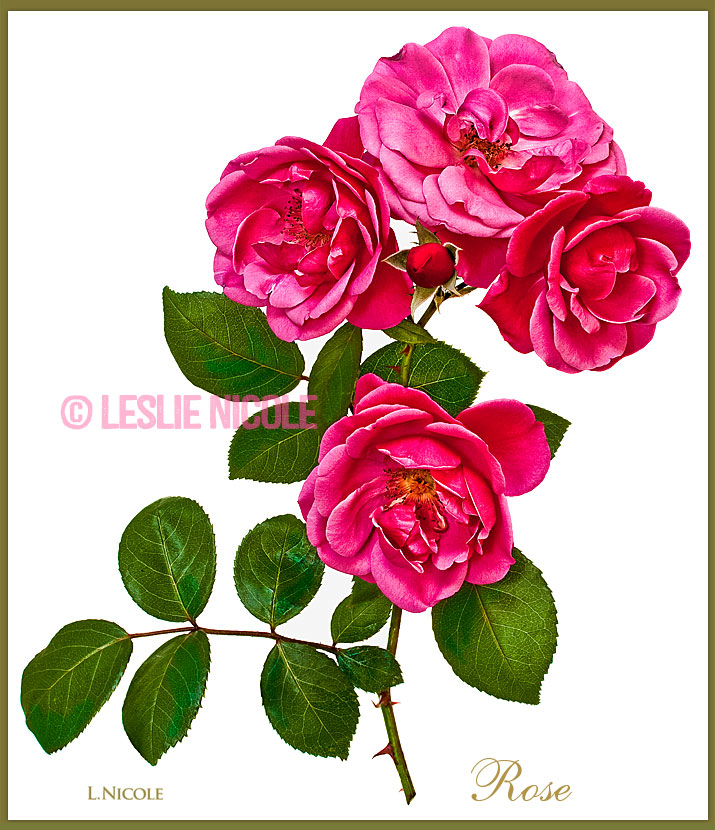
A few tips for picking and prepping flowers and plants before photographing them. Includes choosing plants, when to pick, basic clean up, and creative edits.

The teaser for a series of posts on photographing flowers and plants and post-processing in Photoshop and Illustrator as design elements and illustrations.
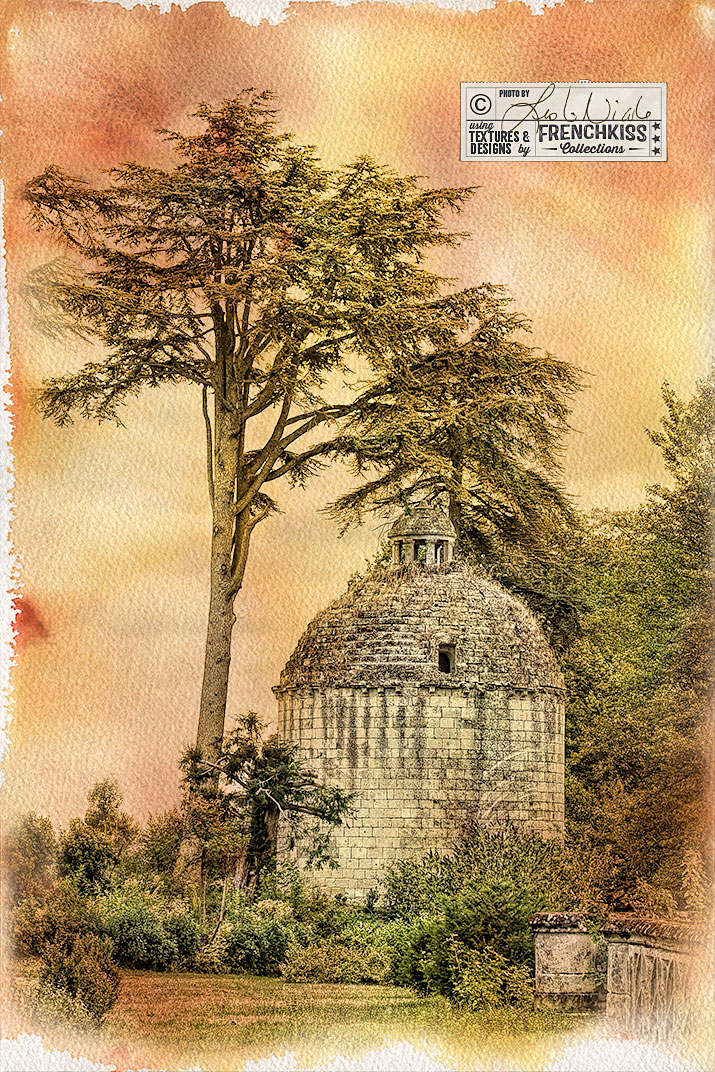
This photograph of a French tower was created with filters, selective desaturation, and the addition of a watercolor texture.